HOLOS OVA UI/UX Audit
HOLOS is a network discovery and inventory management platform delivered as a virtual appliance (OVA). Solusoft, the client, was looking to revamp the user experience and solidify the enterprise branding before its wider launch.
4 weeks
Product Owner, 5 engineers, Project Manager, Brand designer, UI/UX
Lead UI/UX
2026
The Challenge
HOLOS is a network discovery and inventory management platform delivered as a virtual appliance (OVA). Solusoft, the client, was looking to revamp the user experience and solidify the enterprise branding before its wider launch.
Research & Discovery
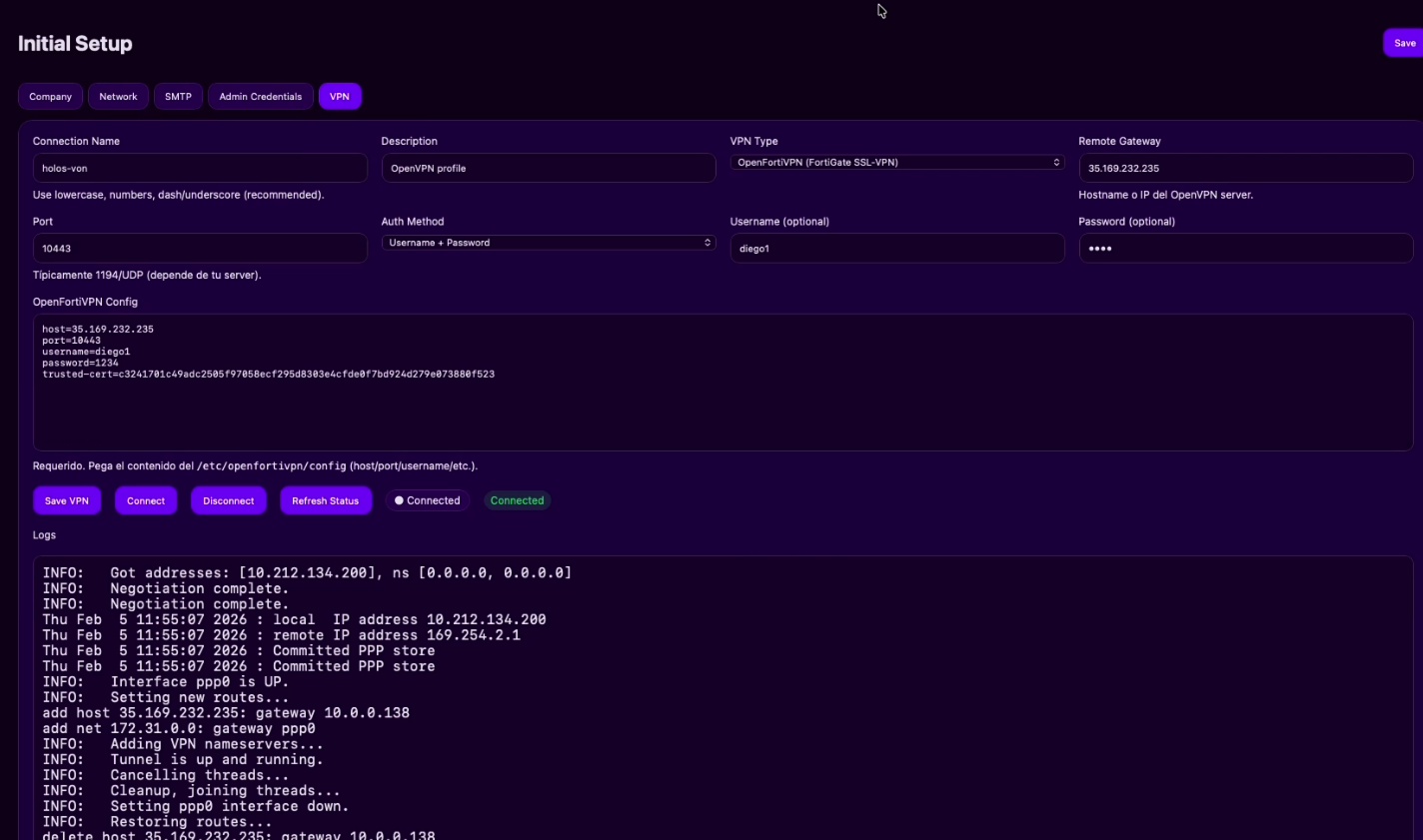
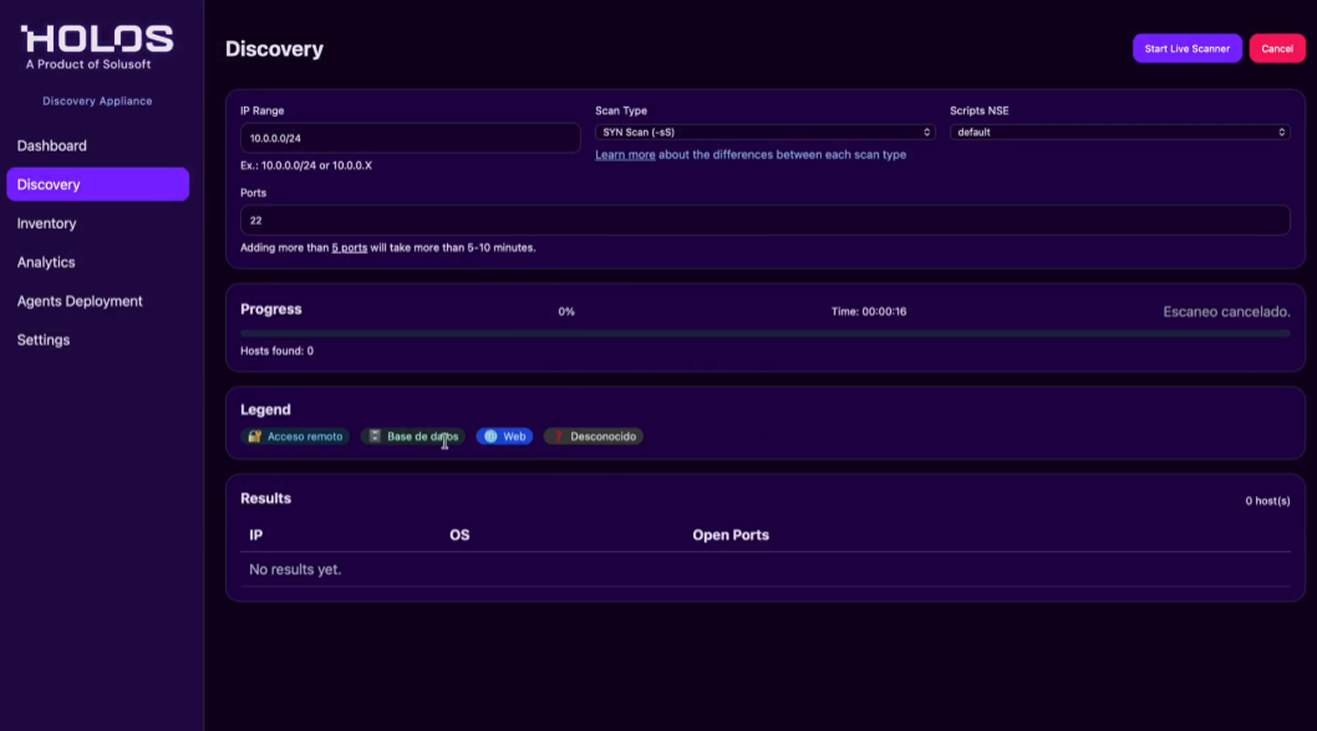
We received a detailed requirements document with overall and per-screen pain points. I conducted an additional audit.
Requirements Document
Requirements document received from Solusoft with overall and per-screen pain points
Key Insights:
- Detailed per-screen pain points provided by client
- Overall UX goals aligned with enterprise branding standards
- Priority areas identified: onboarding, navigation, and visual consistency
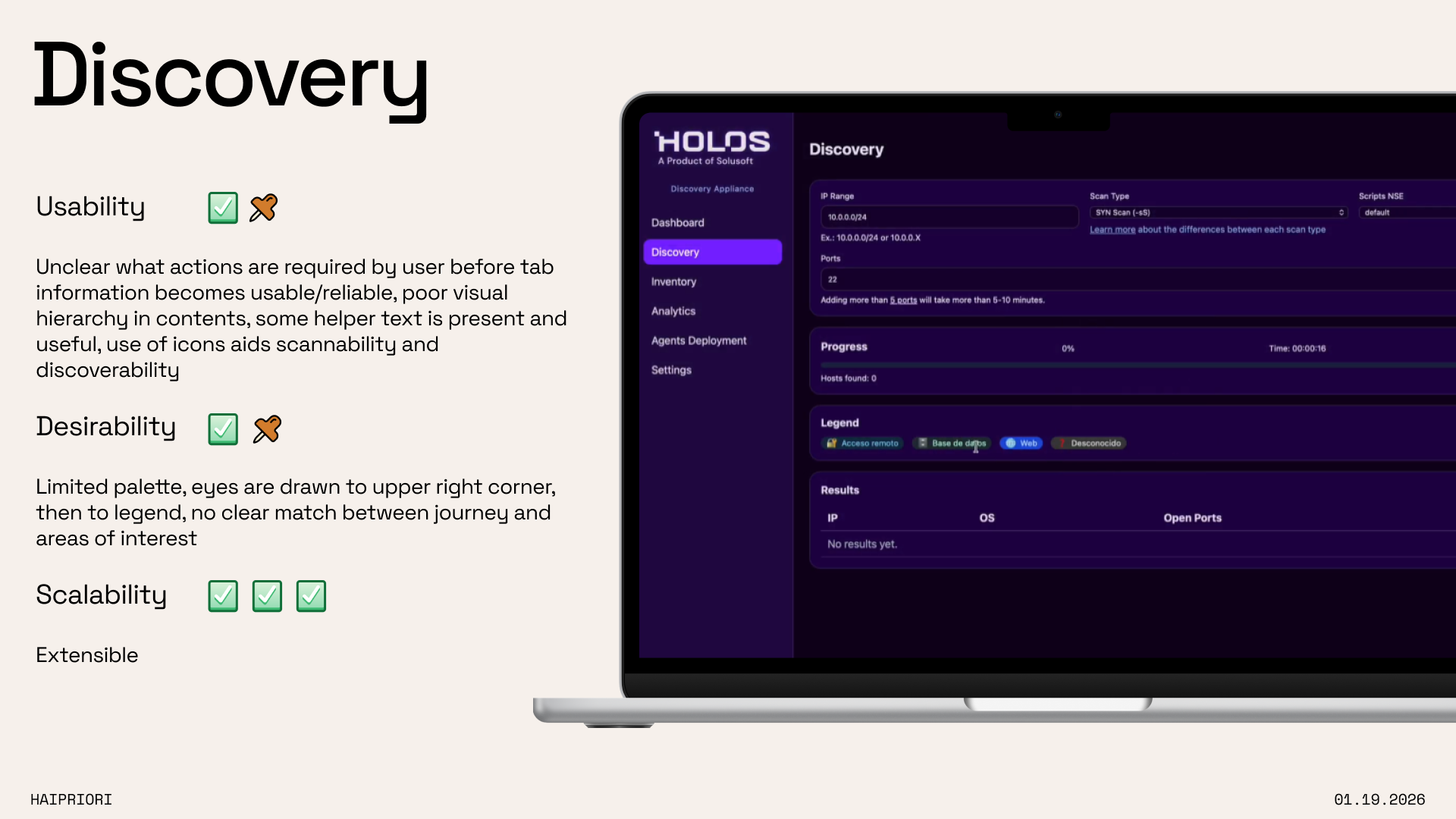
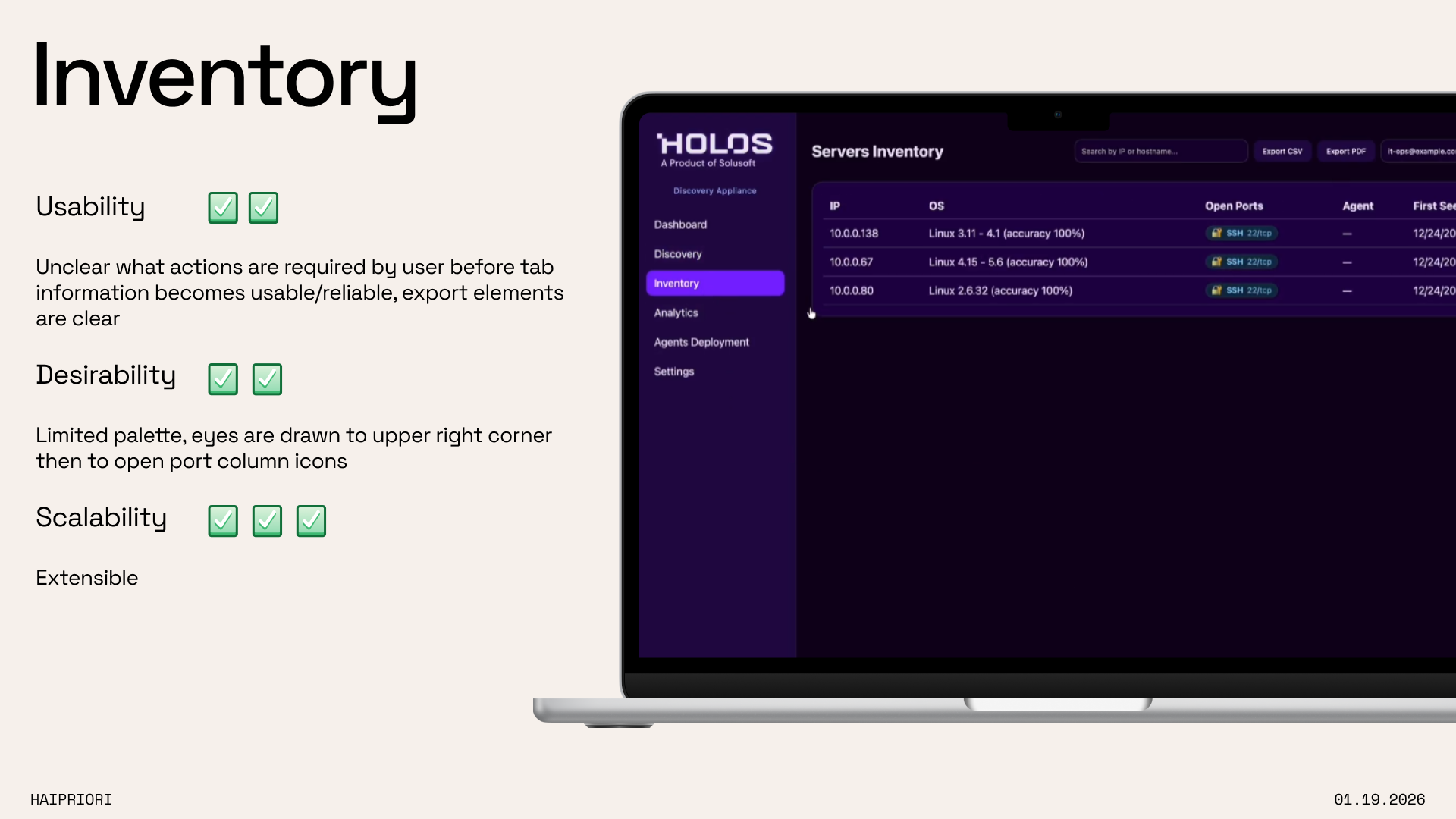
UI UX Audit
Screen by screen assessment of UX buckets: usability, desirability, scalability
Key Insights:
- Navigation flow was non-linear and confusing for first-time users
- Inconsistent component usage across screens
- Lack of tutorialization for key onboarding steps
The Solution
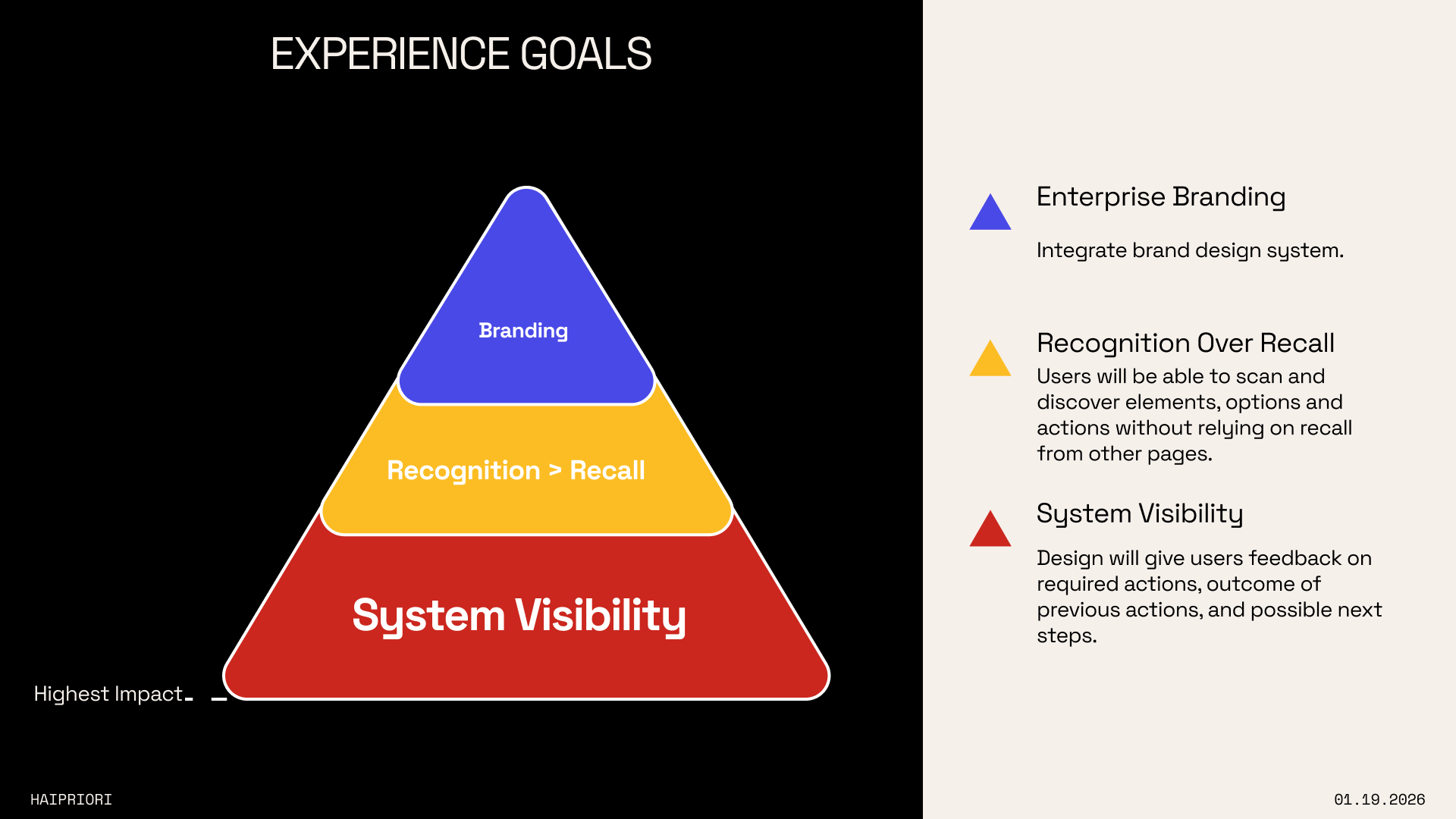
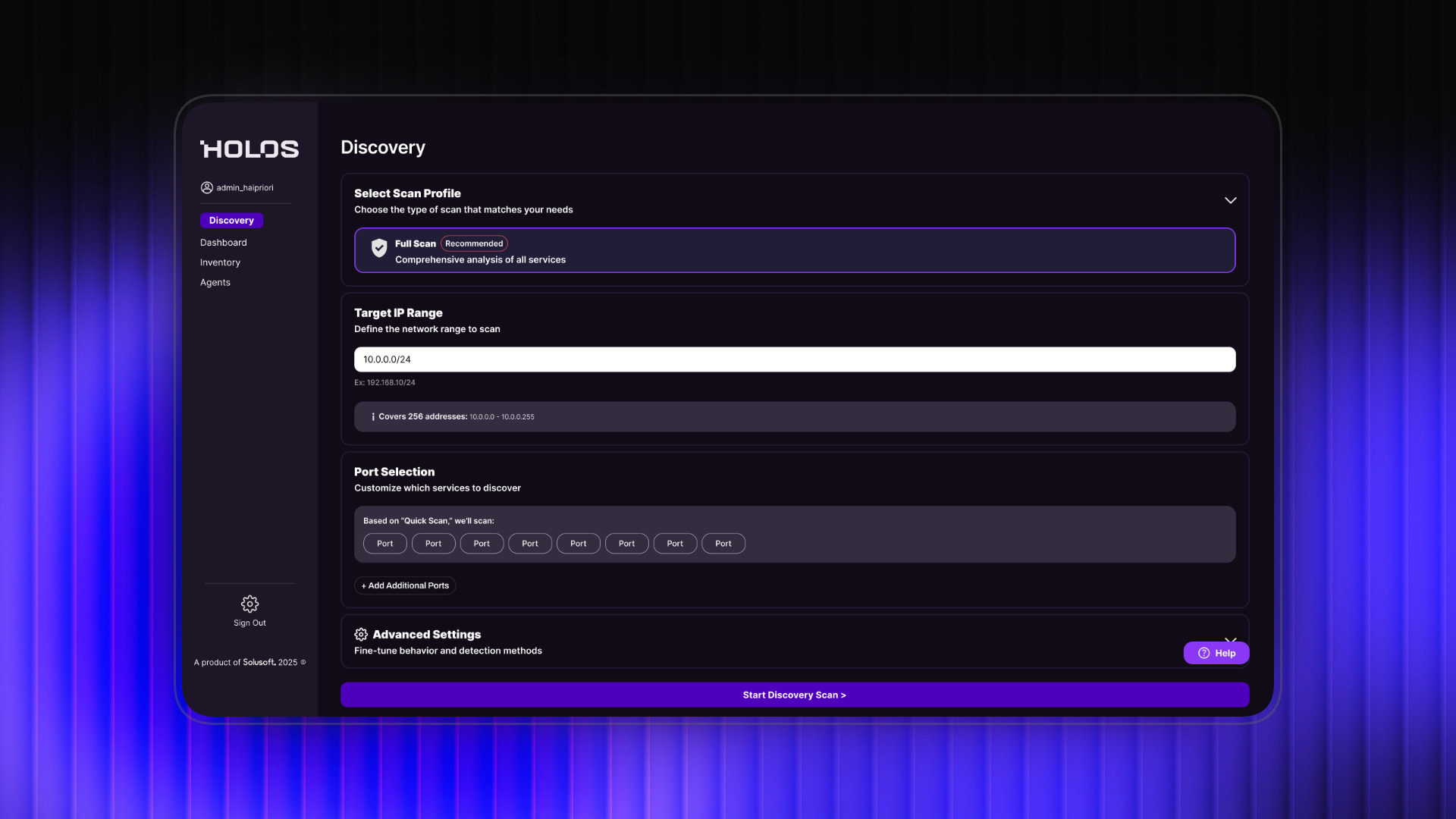
Comprehensive audit of screens, reorganization of navigation flow, increased tutorialization and error prevention/recovery.
Onboarding Redesign
Redesigned the onboarding flow to be more streamlined and accessible for both technical and non-technical users. Introduced step-by-step guidance and inline tooltips to reduce support tickets.
Navigation Restructure
Reorganized the information architecture to create a linear, intuitive navigation flow for first-time users. Progressive disclosure of advanced features ensures experts can still access full functionality.
Enterprise Branding & Component Library
Established a consistent design language and component library aligned with Solusoft's enterprise branding standards. Standardized typography, color usage, and UI patterns across all screens.
1 / 6
Design Process
UI UX Audit
Activities
- Review client requirements
- Screen by screen assessment of UX buckets: usability, desirability, scalability
Deliverables
- UI/UX audit deck with screen by screen analysis
Ideation & Development
Activities
- Client weekly syncs
Deliverables
- User flows
- Wireframing
Final Deliverables
- High fidelity mocks
- Figma Make prototypes
- Figma components
Results & Impact
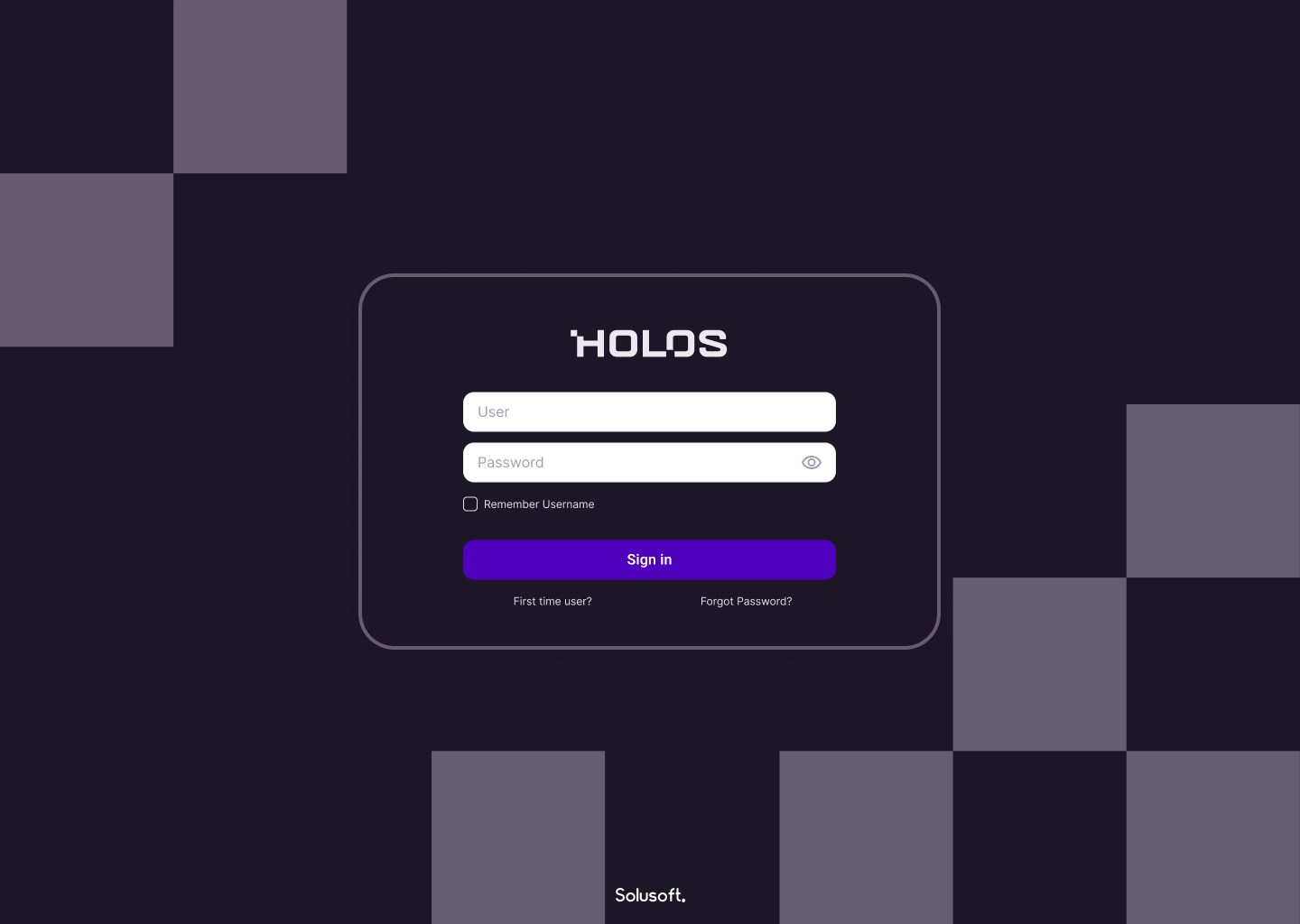
Onboarding requires no support tickets and the application now has a stand-alone tutorial system with FAQs.
Key Learnings
Navigation designed linearly for first-time users enables progressive discovery of advanced features.
Consistent design language across an enterprise application builds user trust and reduces support load.
Progressive disclosure of advanced features benefits technical and non-technical users alike.
Figma Make is a powerful tool for rapid prototyping and design hand-off.
Next Steps
Explore design hand-off via Figma Make and assess impact on development time.
Conduct usability testing with end users post-launch to validate onboarding improvements.